
How to Redeem Codes in ASMR Speed Escape
Find the Codes button, paste once, and stop wasting Speed on strings from other games.
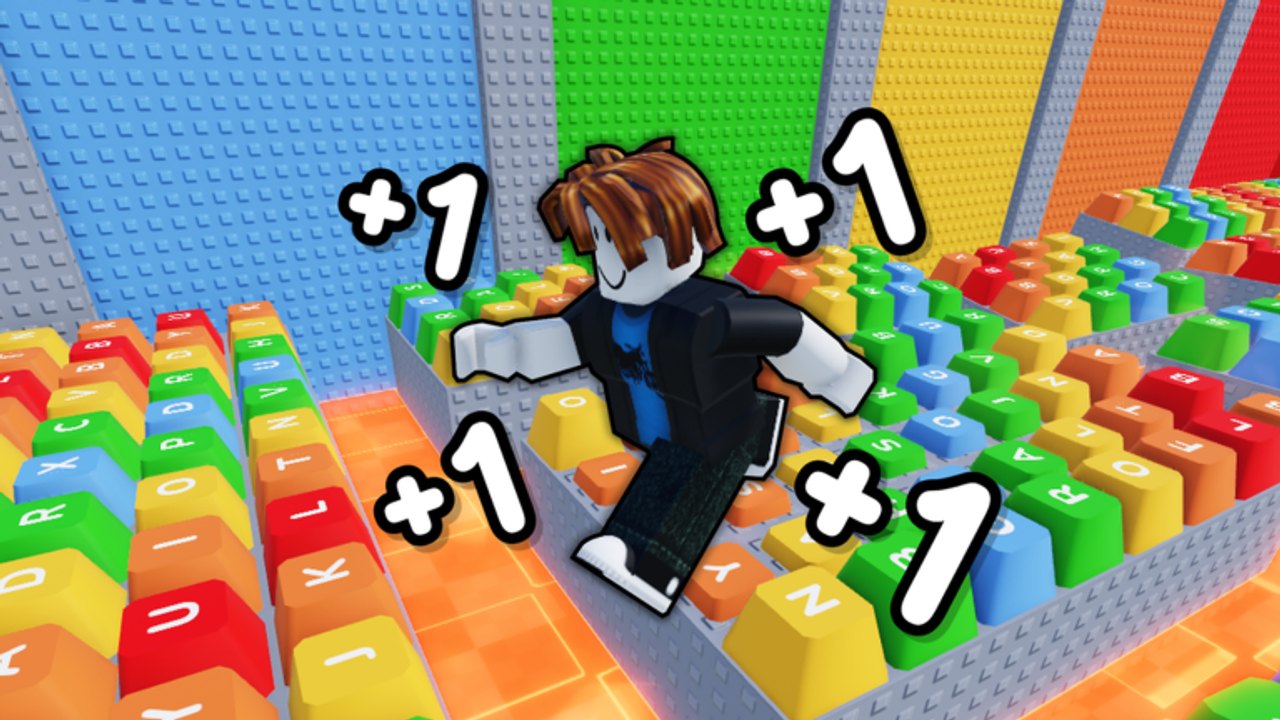
Redeeming a code in +1 ASMR Speed Escape is only useful if two things are true: the string belongs to this Button Labs experience, and the HUD actually exposes a box that week. This page is the physical how-to. For the live list (or the honest empty table), stay on the codes hub. For gifts that are not codes at all, use daily and group rewards.
The Roblox client loads UI after your avatar drops onto Keyboard Keys. If you mash buttons during the first two seconds you will click the wrong panel, especially on a phone. Wait until Speed starts ticking from movement, then look at the left and top edges of the screen.
Before you paste anything
Confirm you are in +1 ASMR Speed Escape by Button Labs, not a similarly named runner. The official listing is on Roblox. If the thumbnail is a candy keyboard world or the description prints FASTFAST, you launched the wrong game.
Have the code on your clipboard already. Public strings, when they exist, are case-sensitive more often than players expect. Do not add spaces. Do not wrap them in quotes. Do not translate WELCOME into your language — that is how Aventix’s listing gets localized in search results, and it is not a Button Labs code.
PC redemption steps
- Launch the experience and wait for the HUD to finish.
- Look for a Codes, Twitter, Gift, or shop-adjacent button. Button Labs uses a compact left-side stack on similar runners; the exact icon can shift after an update.
- Click once to open the text field.
- Paste the string with Ctrl+V.
- Confirm with the on-screen Redeem or OK button. Pressing Enter is not always wired.
- Watch Speed, Wins, or a toast. If nothing changes, the string is invalid for this game.
If the field never appears, you are not missing a secret. As of September 2026 the public list is empty — see the codes hub. Spend the session on Speed instead of hunting a ghost UI.
Mobile redemption steps
Phone players lose codes to the on-screen joystick covering the field. Open the box first, then tap the input so the OS keyboard pushes the HUD up.
- Rotate to landscape if the Codes button sits under your thumb in portrait.
- Tap the Codes control, then the empty field.
- Paste from the mobile clipboard. Avoid typing long strings on a tiny keyboard.
- Close the OS keyboard and tap Redeem.
- Move a few steps. Speed gifts sometimes refresh only after the next step tick.
If paste is blocked, type slowly and keep caps lock consistent with the source. Then go back to the controls page so the extra Speed is not wasted on a camera tumble.
What a success looks like
A valid redeem should change a number you can see: Speed, a potion timer, or Wins. If the toast says success but Speed is unchanged, you may have received a multiplier item that only applies after you rebirth or after you equip it from a bag. Check the inventory once; do not redeem twice.
A failed redeem usually means one of four things:
- The code is from another +1 Speed game.
- The code expired on an update you missed. Check August 2026 notes.
- You already redeemed it on this account.
- You still have the daily/group claim pending and clicked the wrong panel. That flow is on daily rewards.
After a successful redeem
Do not stand still. Speed that sits in the counter while you AFK in the lobby is Speed you could have spent crossing Keyboard Keys. Run a short loop, bank a Win if a pad is close, then decide whether this is a rebirth session or a stage session.
If you are building a routine, the speed planner orders gifts, movement, Wins, and rebirths so you stop claiming at the wrong time. Pair that with a speed build if you play on 20-player servers and other avatars keep clipping your jumps.
If Button Labs adds a real list later
When a public string is posted in a shout, description, or patch, this wiki will put it on the codes hub with a date. Until then, treat every TikTok overlay as a different game until you can match the developer name Button Labs and the five ASMR stages: Keyboard Keys, Bubble Wrap, Arcade Buttons, Water Drops, Typewriter Keys.
Frequently Asked Questions
Quick answers for Speed, Wins, rebirths, and ASMR stages.
I cannot find the Codes button.
The official page does not currently advertise a public list, so the button may be hidden or unused. Claim daily and group rewards instead.
The code says invalid immediately.
You are probably in the wrong +1 Speed experience. Confirm Button Labs in the Roblox header, then read the codes hub filter.
Do codes survive a rebirth?
Flat Speed usually does not. Multiplier items might. Rebirth after you have used the burst — see how to rebirth.
Can I redeem on an alt account?
Each Roblox account redeems separately. Do not share passwords or cookies; that is how accounts get stolen, not how codes multiply.